AI Integration in Education

AI Tools with Micro-Lessons

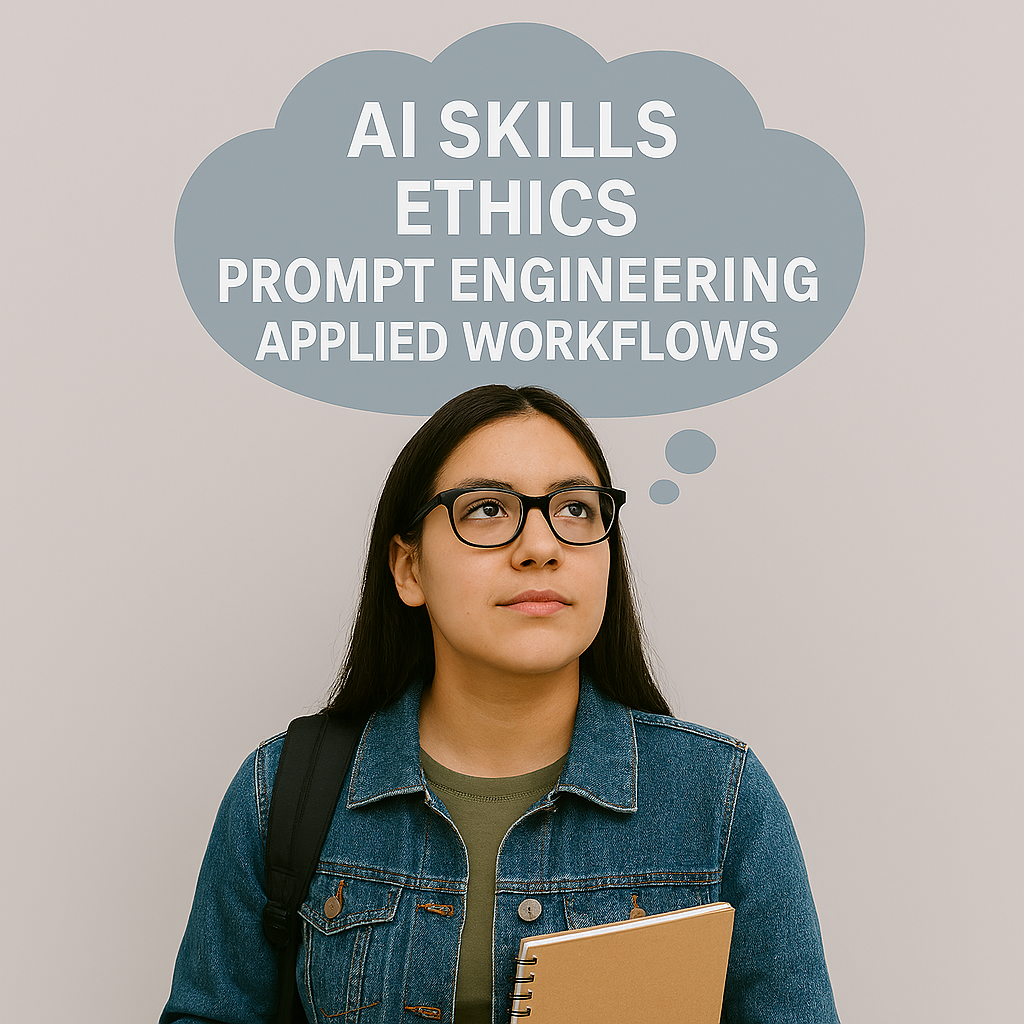
student with though-bubble above her head that reads AI skills, ethics, prompt engineering and applied workflow

Overview

StudyAid pairs practical AI tools with short micro-lessons on how to use them (Think. Prompt. Build.). Rather than replacing teaching, the platform extends it: automated tutors help students practice and draft, chat-with-PDFs speed literature reviews, and multimedia tools let learners reflect and present in new ways. Faculty can embed AI-enhanced assignments directly into courses, track engagement, and keep academic standards intact. 

Why safe & ethical integration matters

AI is powerful — and with power comes responsibility. Thoughtful integration protects students, preserves trust, and amplifies learning outcomes. 

Key ethical priorities we follow 

  • Privacy & data governance: student and institutional data are handled under strict controls (role-based access, encryption, and documented retention policies). 
  • Academic integrity: tools are paired with assignment design and rubrics so AI augments learning rather than enabling shortcuts. Faculty can require drafts, reflections, and explain-the-AI sections. 
  • Bias awareness & fairness: models are used alongside curated course content and retrieval systems so answers are grounded in vetted sources; faculty retain final judgment. 
  • Transparency & explainability: StudyAid encourages users to document AI use in assignments and provides traceable citations and source excerpts. 
  • Human-in-the-loop oversight: instructors review and validate AI outputs; critical decisions (grades, clinical judgments) remain human responsibilities. 
  • Training & literacy: short micro-modules teach students and staff how to prompt well, detect errors, and apply ethical norms in real tasks. 

Key Features

  • Writing & coaching assistants — real-time drafting help, feedback on structure and citation support. 
  • Subject chatbots & secure knowledgebases — course- or campus-specific bots trained on your materials and policies. 
  • Chat-with-PDFs — ask questions across readings and get summaries, highlights, and citations. 
  • Multimedia studio & AI Avatars — create images, short videos, or avatars from photos/prompts for lectures, projects, or outreach. 
  • Assignment templates & prompt wizards — convert traditional tasks into AI-guided learning activities with clear rubrics. 
  • Transcription & accessibility tools — accurate transcripts, captions, and speaker labels to make content inclusive. 

Benefits

  • Boosts student success: scalable tutoring and on-demand support help students get feedback outside office hours. 
  • Improves equity of access: more students can access coaching and study tools without extra staffing. 
  • Saves faculty time: reusable templates, automated summaries, and faster grading prep free up time for higher-value teaching. 
  • Builds digital literacy: integrated microlearning teaches students to prompt responsibly and evaluate AI outputs. 
  • Supports research productivity: fast transcript, summarization, and literature-synthesis workflows speed discovery. 

" Knowing what we don’t know is better than thinking we know what we don’t.” ― Philip Tetlock, Superforecasting: The Art and Science of Prediction "

Project Type

Education

Goal / Objective

AI tools, micro-lessons

Project Timeline

1/2024 - 12/2025

News, Media & Articles

“Some intro here and links to external articles below”